The Good Company
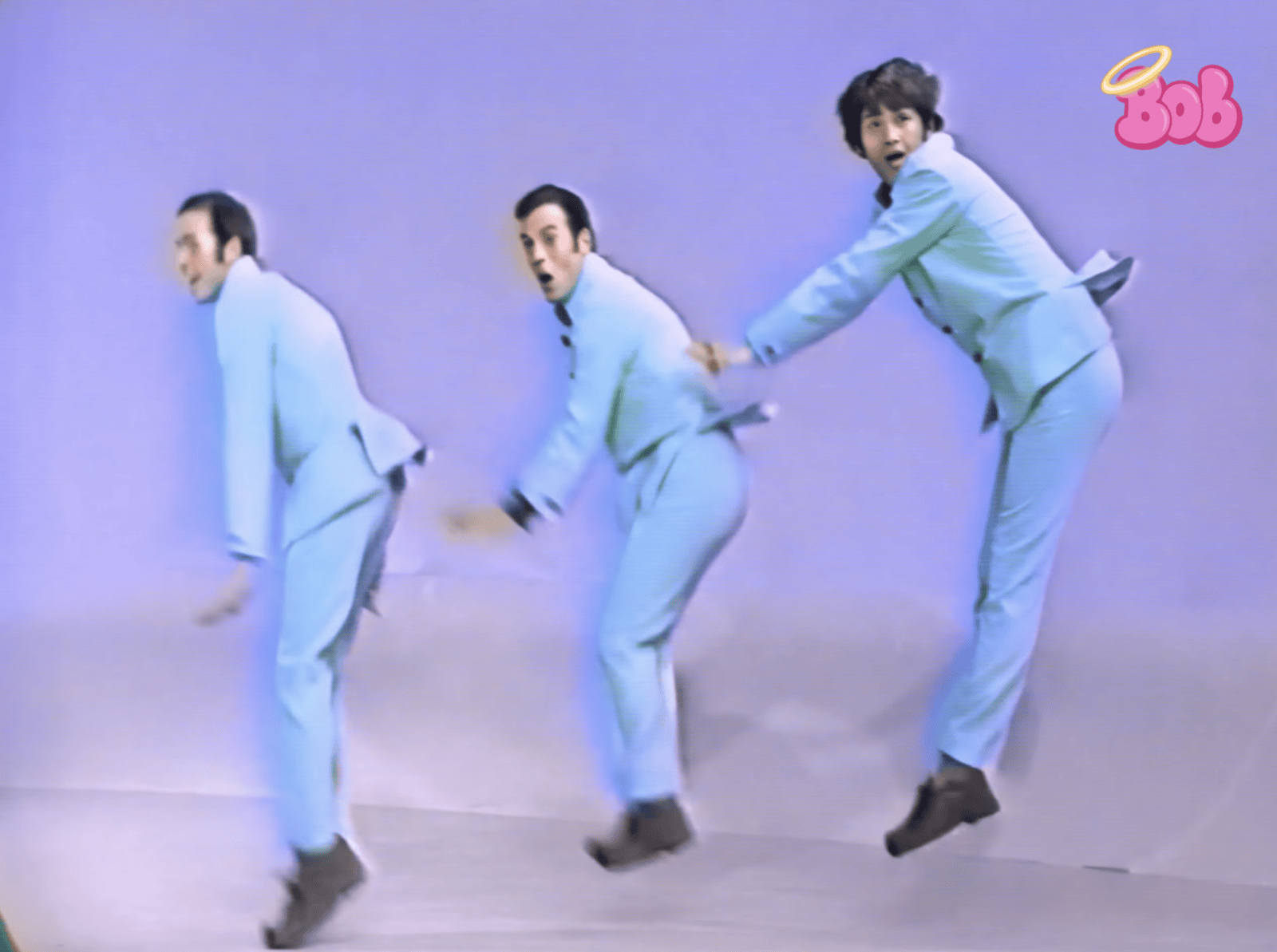
I’ve Just Seen a Face (1968) – CBC Television – 1:27
Posted on YouTube by
Beam Me Up Bob
The Good Company
I’ve Just Seen a Face (1968) – CBC Television – 1:27
Posted on YouTube by
Beam Me Up Bob
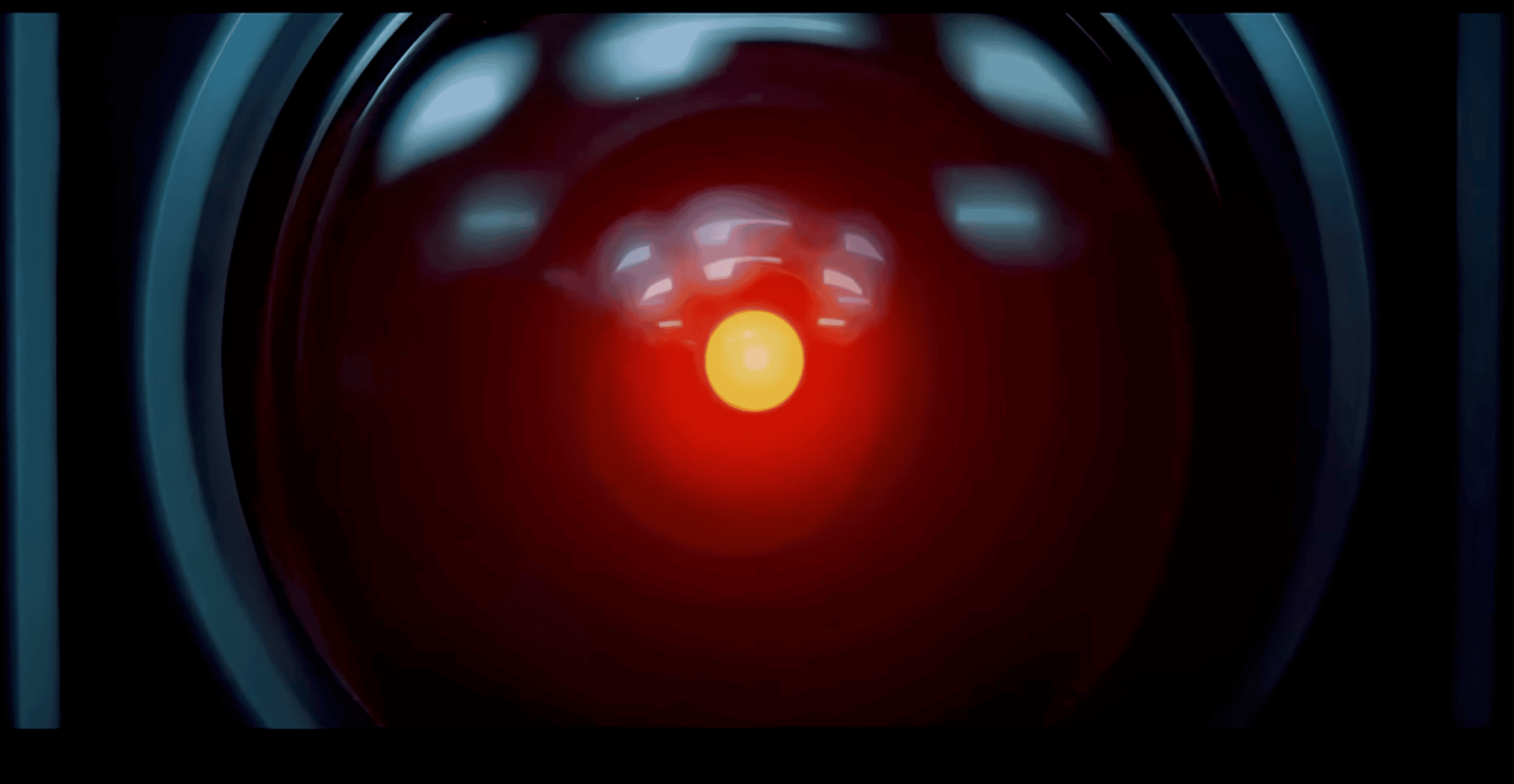
2001: A Space Odyssey (1968) – Clip – “I’m sorry Dave, I’m afraid I can’t do that”
Director and producer: Stanley Kubrick – 2:55
Posted on YouTube by
KlingonSpider
ReplayGain analyzes how loud a track sounds and tells the player how much to raise or lower it during playback. The audio file itself can remain unchanged (nondestructive), so the adjustment is reversible and does not require re-encoding. ReplayGain is a common standard, but it is not universal.
LUFS (Loudness Units relative to Full Scale) measures the average perceived loudness of audio over time. The numbers are negative because digital audio has a fixed maximum level of 0. A song at −15 LUFS is not being reduced by 15 dB; it simply measures −15 on that loudness scale. Its individual peaks may still rise close to the digital maximum, for example −1 or −2 dBTP.
Two songs can both peak near 0 dB but one might measure −9 LUFS and the other −18 LUFS. LUFS describes how loud the whole song feels, while peak measurements describe only its loudest moments.
NTR is streaming at -14 LUFS
| Approximate range | Typical use | Main advantage | Main disadvantage |
|---|---|---|---|
| −27 to −23 LUFS/LKFS | Film and television | Maximum headroom and dynamics | Quieter average playback |
| −20 to −16 LUFS | Internet radio, podcasts, quieter music playback | Good dynamics with practical loudness | Can seem quiet in noisy environments |
| −16 to −14 LUFS | Mainstream music streaming | Good balance of loudness and headroom | Some dynamic recordings may need peak control |
| Around −11 LUFS | Loud listening modes | Better audibility in noisy environments | More limiting and reduced dynamic range |
| Outlet / Standard | Loudness | Compared with your −14 LUFS |
|---|---|---|
| Netflix | −27 LKFS dialogue | 13 dB quieter |
| U.S. Digital TV – ATSC A/85 | −24 LKFS | 10 dB quieter |
| European TV – EBU R128 | −23 LUFS | 9 dB quieter |
| AES Internet radio / streaming | −20 to −16 LUFS | 6 to 2 dB quieter |
| Spotify – Quiet | −19 LUFS | 5 dB quieter |
| Apple Music / Sound Check | ≈−16 LUFS | ≈2 dB quieter |
| Apple Podcasts | −16 LKFS | 2 dB quieter |
| North Texas Radio | −14 LUFS | Reference |
| Spotify – Normal | −14 LUFS | Same target |
| YouTube | ≈−14 LUFS | ≈Same target |
| TIDAL | ≈−14 LUFS | ≈Same target |
| Amazon Music | ≈−14 LUFS | ≈Same target |
| Amazon Alexa audio | −14 LUFS | Same target |
| Spotify – Loud | −11 LUFS | 3 dB louder |
| U.S. FM radio | No LUFS target | Uses modulation and broadcast processing |
| U.S. AM radio | No LUFS target | Uses modulation and broadcast processing |
| Live365 | No published LUFS target | Cannot directly rank |
ChatGPT-5.6 Sol.
North Texas Radio’s stream headroom is set to −0.2 dB. Over the past two weeks at this setting, the highest measured stream peak has been −0.1 dBTP. Problem peaks have been corrected in the streaming library, and ReplayGain adjusts track playback levels.
| True Peak | Headroom to 0 | Practical meaning |
|---|---|---|
| −3 dBTP | 3 dB | Very conservative. Plenty of room for encoding and processing |
| −2 dBTP | 2 dB | Common broadcast safety margin before lossy encoding |
| −1.5 dBTP | 1.5 dB | Comfortable streaming margin |
| −1 dBTP | 1 dB | Common streaming recommendation. Good balance of loudness and safety |
| −0.8 dBTP | 0.8 dB | Slightly less safety margin |
| −0.6 dBTP | 0.6 dB | Quite close to full scale but still below it |
| −0.3 dBTP | 0.3 dB | Very little room for codec or processing overshoot |
| 0 dBTP | 0 dB | No headroom |
| Above 0 dBTP | None | Potential clipping during playback or conversion |
| Outlet / standard | Loudness target | Typical maximum True Peak / headroom |
|---|---|---|
| Netflix | −27 LKFS dialogue | −2 dBTP; Netflix suggests limiter around −2.3 (Netflix Partner Help Center) |
| U.S. TV – ATSC A/85 | −24 LKFS | below −2 dBTP to allow for downstream encoding (ATSC : NextGen TV) |
| European TV – EBU R128 | −23 LUFS | −1 dBTP for linear audio; −2 dBTP may be used before lossy codecs (EBU Tech) |
| AES Internet streaming | current recommendation ≈−18 LUFS | −1 dBTP at codec input (AES) |
| Spotify Normal | −14 LUFS | generally preserves 1 dB headroom; recommends masters below −1 dBTP (Spotify) |
| Spotify Loud | −11 LUFS | limiter engages at −1 dB sample peak (Spotify) |
| Apple Podcasts | −16 LKFS | ≤−1 dB true peak before encoding (Apple Podcasts) |
| FM / AM radio | no LUFS equivalent | not directly comparable; controlled by modulation/processor limits |
| Live365 | no published LUFS target | no useful published true-peak ceiling I can find |
ChatGPT-5.6 Sol.
These are the specific steps AI took to analyze and make corrections
.ps1 script for the Windows loudness scan..ps1 in Windows PowerShell, which scanned the music files and created .csv reports..csv files for:
.ps1 in PowerShell. The script:
ChatGPT-5.6 Sol.
For most personal music libraries, permanently changing the audio files is unnecessary. First check whether your player supports loudness normalization, such as ReplayGain, and whether it is enabled and working. That is usually enough to make playback volume more consistent.
Important Warning Before Modifying Audio Files!
These are destructive changes. The correction process can permanently alter audio files. If a script is pointed at the wrong folder, given the wrong settings, or allowed to overwrite the originals, the damage may be difficult or impossible to reverse.
Check whether permanent file changes are necessary
Before modifying any music files, check whether the playback software supports ReplayGain or another loudness-normalization system. Determine whether that feature is enabled and working correctly. Then determine whether permanent modification of the audio files is necessary or whether playback normalization alone can achieve the desired result.
Before modifying any audio files, have/make two complete backups of the original music library. Store one backup on a different drive or at a separate location and leave it untouched. The second backup may be used as a read-only source if corrected copies are needed later. Do not modify either backup in place. Corrected files should always be written to a separate working or output location. Test the process on a small group of files first. Verify the output before running it on thousands of tracks. Keep the CSVs, manifests, and logs so every change can be traced. If MP3 files must be re-encoded, use untouched originals whenever possible rather than processing files that have already been altered or re-encoded.
The safest approach is: Original library → two verified backups → test batch → verified corrected copy → working library
Do not begin large-scale correction until the backup has been checked and can actually be restored.
Prompts for Analyzing and Correcting a Music Library
Copy the prompts below into ChatGPT one at a time. Complete each step before moving to the next. When a step creates a CSV or other report, upload that file with the next prompt.
Adjust settings such as the loudness target to fit your system..
ChatGPT-5.6 Sol.
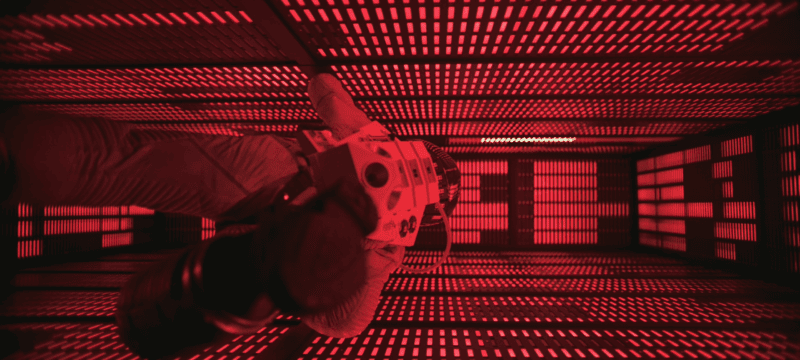
2001: A Space Odyssey (1968) – Clip – The Shutdown of HAL
Director and producer: Stanley Kubrick – 4:56
Posted on YouTube by
Apex Clips